image credit: http://commons.wikimedia.org/wiki/File:Royal_Wedding_Crowd.jpg
Blur Remainder feature can be used to draw attention to a particular part of
the slide by adding a blur effect to the surrounding areas - similar to
adjusting the focus on a camera.
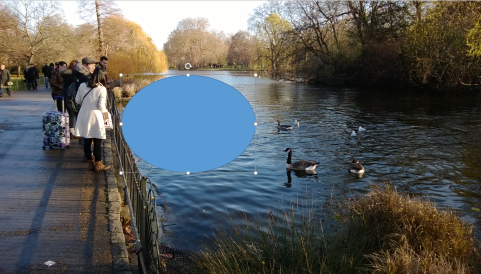
To use it, first draw a shape over the area to be kept in focus.
Select the shape, then click
Blur Remainder from the Effects Lab dropdown.
PowerPointLabs will then insert a new slide containing the blur effect.

It works with multiple shapes in one slide too. Here is an example:

Here is a short demo video:
The 'Blur remainder' feature comes with the free PowerPointLabs add-in and works for both PowerPoint 2010 and 2013 on Windows.